Showcasing Salesmanship at the RSNA Event
 Karin Roberts : Tue, Jun 25, 2024
Renting a trade show exhibit for the RSNA Meeting can be easy - this will allow you to focus on selling your products/services at this Chicago based...
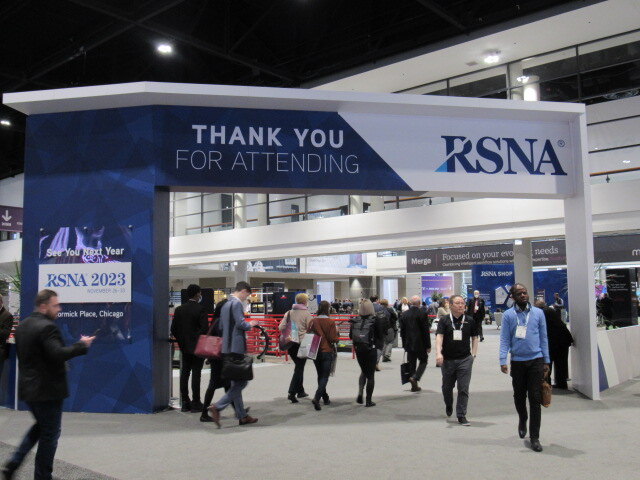
RSNA is one of the most competitive floors in healthcare marketing. Radiologists, imaging directors, IT leaders, and procurement teams converge over five days, and every one of them is evaluating multiple vendors simultaneously. In that environment, a beautiful booth helps — but a booth built around a clear sales strategy is what actually produces meetings, qualified leads, and closed deals.
At The Trade Show Networks, we design RSNA rental exhibits for a specific outcome: a measurable return on your exhibit investment. That means thinking through your audience, your demo flow, your lead capture, and your follow-up process before a single structure goes on the floor. Rental doesn't mean generic. It means smart investment — with the flexibility to scale, adapt, and improve show over show. This guide walks through the strategic and practical ideas that consistently drive performance at RSNA, and how our rental programs can support each one.
The most common mistake exhibitors make is choosing a booth size and then figuring out what to do with it. High-performing exhibitors work in reverse: they map the journey a qualified visitor should take through the space, then build the structure around that journey. Before your next RSNA, answer four questions:
A rental exhibit from The Trade Show Networks is designed to support your answers to these questions — not to impose a generic solution on top of them.
The right layout depends on how you sell, not on what looks impressive in a rendering. Here are four exhibit configurations we commonly recommend for RSNA exhibitors, each suited to a different commercial model.
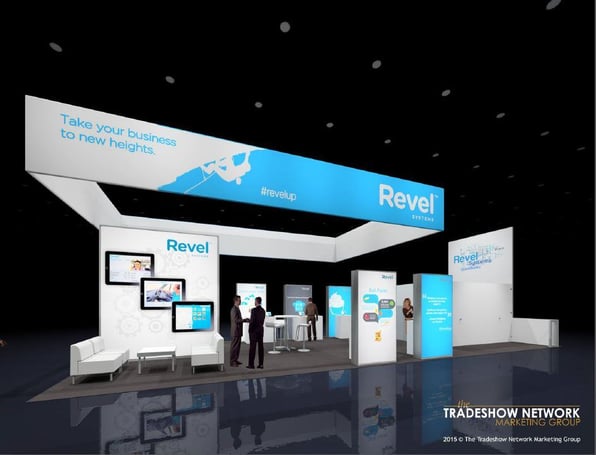
This configuration uses a wide, open entry with a clear visual hook at the front edge — one headline, one proof point, one visual — to stop traffic fast. Multiple compact demo pods run identical short demos simultaneously, and a centrally positioned staff member sorts visitors to the right station within the first exchange. Lead capture happens at each pod, not at a single bottleneck.
Best for: Enterprise solutions with longer sales cycles, where meeting quality outweighs conversation volume.
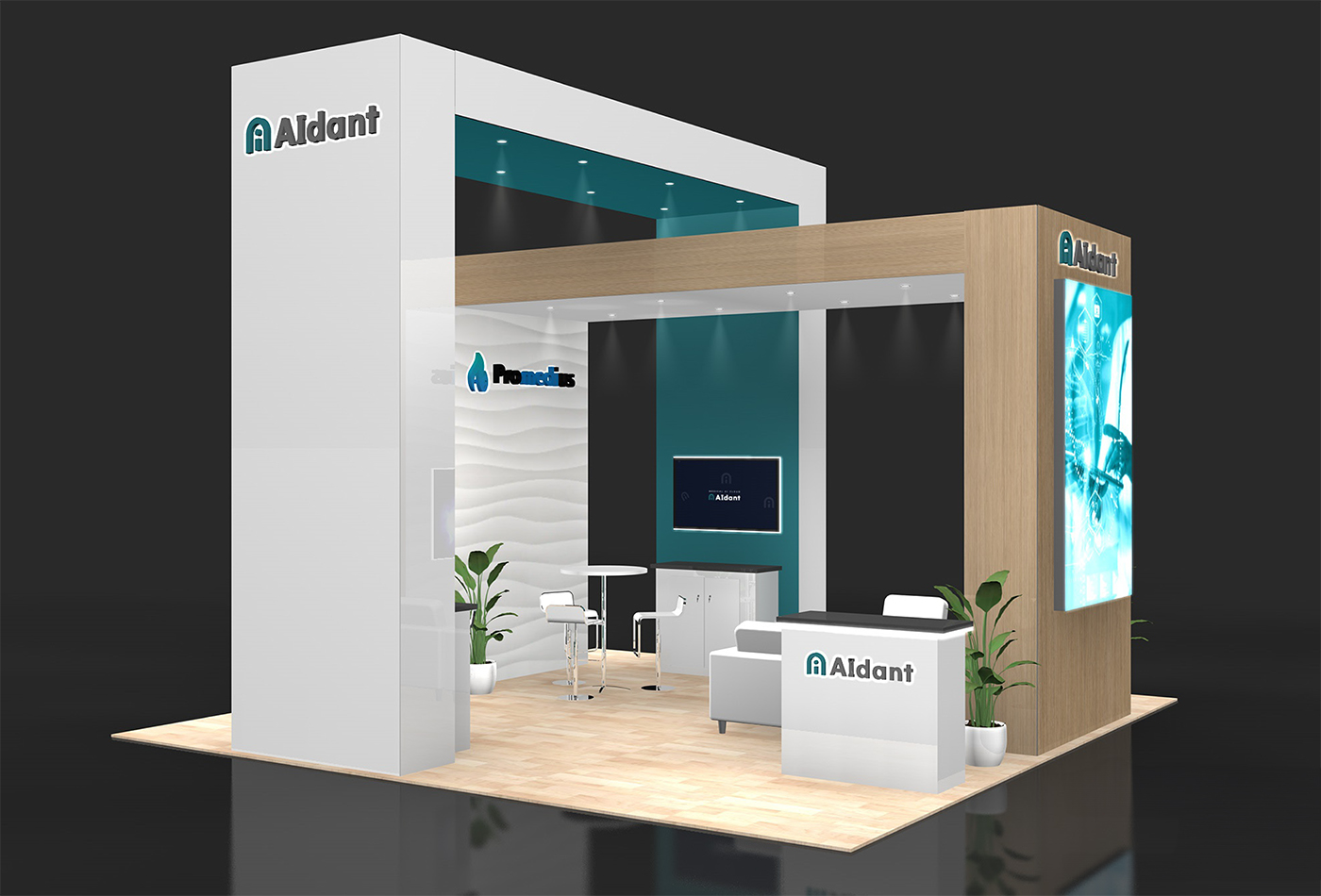
This configuration dedicates 30–40% of the footprint to semi-private meeting space. The front of the booth is intentionally calm — a few strong messages and a single qualifier station — to filter for serious buyers quickly. Meetings are scheduled at a dedicated counter, and demos are reserved for confirmed appointments. Walk-ins who qualify get a short version and an immediate booking.
Best for: Platform companies or those with a suite of integrated offerings that need to be seen as a cohesive system.
This uses a racetrack or perimeter flow that guides visitors through a narrative arc. Each stop adds a layer to the overall product story rather than presenting independent features. Staff are stationed at transition points to advance the conversation and keep visitors moving through the sequence. This layout works well with The Trade Show Networks' modular rental structures, which can be configured to define clear sightlines and natural pathways.
Best for: Newer entrants or companies expanding into a new market segment where trust is the primary obstacle.
This configuration leads with social proof — customer outcomes, certifications, integration partnerships — before introducing product capability. The demo is positioned deeper in the space so visitors arrive with a frame of reference rather than skepticism. Staff roles are clearly differentiated: greeters who establish context and credibility, and technical staff who run demos only after qualification.
A common concern about rental exhibits is that they will look interchangeable or feel underbuilt for complex demos. At The Trade Show Networks, we address this by treating demo environment design as a first priority, then building the rental structure around it.
Several design choices consistently improve demo performance at RSNA:
Acoustic separation without full walls. Radiology demos require audio clarity — whether you are walking through an AI workflow or presenting diagnostic confidence metrics, your visitor needs to hear the story. Overhead canopies, angled panels, and soft materials can significantly reduce ambient noise without requiring a fully enclosed structure.
Configurable screen positioning. Demo screens should be visible to the visitor standing in front of them, not to the entire aisle. Angling screens inward keeps the experience focused and reduces the number of unqualified visitors who stop purely because something is playing.
Multiple identical stations. One hero demo station creates a bottleneck. Three smaller, identical stations let your team run simultaneous demos at different stages without interfering with each other. Our rental inventory supports pod-based configurations that scale to your staffing level.
Purposeful storage. Cluttered surfaces signal disorganization to clinical and IT buyers who are evaluating whether they can trust you with their infrastructure. Every rental exhibit we build includes dedicated back-of-house storage so the floor stays clean across all five days.
Integrated meeting counters. Booking a meeting in the moment is dramatically more effective than a follow-up email. A small counter with a tablet or calendar access — positioned naturally at the end of a demo path — doubles as both a closing environment and a lead capture station.
Healthcare technology products are rarely simple to explain. The value lives at the intersection of clinical outcomes, operational efficiency, IT requirements, and economic justification — and the person you are talking to at RSNA usually cares deeply about one of those layers and moderately about the others.
A well-designed exhibit builds messaging in layers so visitors can self-identify and find the relevant story without your staff running a full discovery call in the aisle.
Layer one: the stop hook. One headline that names the problem or the outcome. Specific enough to filter in the right audience. Short enough to read in three seconds at aisle speed.
Layer two: the role callout. Three brief statements — clinical, operational, technical — that give visitors immediate confirmation that your solution is relevant to their world.
Layer three: the capability snapshot. A visual that shows where you fit in the workflow and what you connect to. Not a feature list — a workflow map that answers "where does this live and what does it replace or augment?"
Layer four: the proof anchor. One or two specific, verifiable outcomes from a real deployment. Volume, time savings, error reduction, ROI — whatever is most credible for your buyer. Specificity converts skepticism better than category claims.
Layer five: the demo menu. A simple two-option structure — short and deep — so staff can match the demo to the visitor's timeline and buying stage without improvising.
The Trade Show Networks design team works with your marketing and sales leadership to map these layers into a physical graphic hierarchy before production begins. The result is an exhibit where every surface has a job, and every conversation starts from the same clear foundation.
Most post-show lead lists are full of names with missing context. Someone scanned a badge, a one-line note says "interested," and sales is left guessing. The fix is not a better scanning app — it is a structured lead process designed before the show and supported by the booth environment.
Here is a model that consistently produces cleaner post-show data:
Define three tiers before you arrive. For example: meeting-ready (decision authority, active evaluation, timeline under six months), working (right profile, but earlier stage or needs nurture), and informational (appropriate for content follow-up only). Every lead captured should be tagged to one of these tiers by the staffer on the spot.
Use a 30-second qualification standard. Role, use case, current solution, timeline. Four fields, consistently applied. Your booth environment should give staff a natural moment to ask — typically during a demo transition or at the booking counter.
Capture interest via content path. QR codes tied to specific use cases, roles, or solutions can automatically tag a lead record when scanned. When you know someone followed up on your AI workflow content versus your integration documentation, your sales team can personalize the first outreach instead of sending a generic sequence.
Build a booking moment into the flow. The highest-quality leads leave with a scheduled next step. Position a booking station at the natural exit point of your demo path — after value has been demonstrated, before the visitor re-enters the aisle — and train staff to treat scheduling as a standard closing step.
The Trade Show Networks can recommend lead capture integrations that connect your scanning system to your CRM fields, reducing post-show reconciliation time and improving attribution accuracy.
A custom build may be the right answer for some exhibitors. But for many RSNA participants — especially those exhibiting across multiple shows annually, piloting a new market, or working within a tightened exhibit budget — a rental program delivers stronger return.
Here is why:
Rental eliminates the hidden costs of ownership. Refurbishment, storage, asset management, and transportation of owned structures add up quickly. Our rental programs include these costs in a predictable annual fee, with no post-show repair bills or write-downs on aging structures.
Rental scales with your goals. Moving from a 10x10 to a 20x20 for a major show is straightforward with a modular rental program. Owned custom structures are expensive to reconfigure and often require significant lead time for modifications.
The Trade Show Networks rental inventory is designed for performance, not just portability. Our rental structures include high-quality lightboxes, canopy systems, integrated demo counters, and configurable wall systems — all designed to carry custom graphics that make the exhibit feel purpose-built for your brand.
Rental does not mean starting from scratch each year. We maintain client configuration records so your exhibit can be rebuilt consistently, updated with new graphics, and improved based on performance data without resetting the design process entirely.
RSNA typically runs in late November or early December, which makes fall a critical production window. Here are the milestones that keep programs on track:
The Trade Show Networks manages production, shipping, installation, and dismantle under one account relationship — which means your team is not coordinating three separate vendors during the weeks before the show when your time is least available.
Can a rental exhibit really support complex demo requirements?
Yes — when the demo environment is designed first. We start with your screen configuration, power requirements, audio environment, and device security needs, then build the surrounding structure to support them. Hybrid builds are also available for exhibitors who want rental architecture with custom-built demo pods or branded interactive elements.
How do we make a rental booth look as polished as a custom build?
The difference between a rental that looks generic and one that looks intentional is almost entirely in the graphic investment. When the messaging hierarchy is strong, the photography is high quality, and the structure is configured purposefully rather than defaulted, rental exhibits are difficult to distinguish from custom builds on the show floor.
What if our RSNA requirements change year over year?
That is one of the primary advantages of a rental program. Configuration changes, graphic updates, and footprint adjustments are straightforward to accommodate without the sunk cost of modifying owned structures. We recommend an annual planning conversation four to six months before RSNA to review goals and update the exhibit brief accordingly.
We are exhibiting at multiple shows. Can we use the same rental configuration?
Yes. The Trade Show Networks supports multi-show programs with consistent exhibit configurations that are adapted for different footprints, audiences, and show-specific requirements. We handle logistics across shows so your team does not manage a separate relationship for each event.
 Karin Roberts : Tue, Jun 25, 2024
Renting a trade show exhibit for the RSNA Meeting can be easy - this will allow you to focus on selling your products/services at this Chicago based...
 Karin Roberts : Thu, Oct 09, 2025
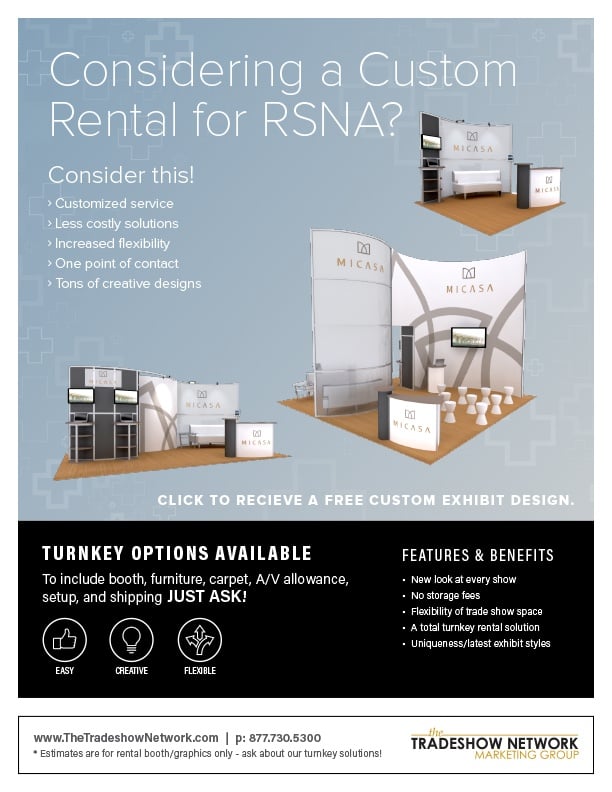
With one of our rental exhibits at RSNA 2025 you will be able to elevate your brand name - ask us for a design rendering of your next 20x20 or 10x20...
 Karin Roberts : Tue, Jul 30, 2024
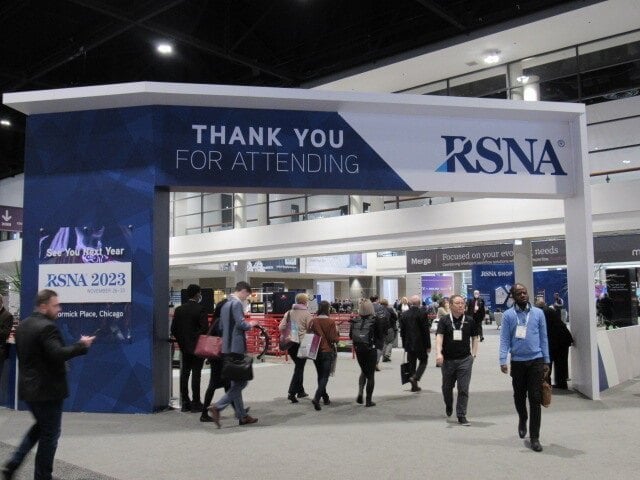
As you plan your exhibit for RSNA 2024, be sure to stay updated on key dates and deadlines, access important logistical information